The Ultimate Kanji to Hiragana & Katakana Converter: Fast, Detailed And Free
Please support us by sharing!

If you’re learning Japanese, you’ve probably searched for a Kanji to Hiragana converter, a Kanji to Katakana converter, or even a way to scan Kanji from images and see readings instantly. That’s exactly why we built the Kanji to Hiragana & Katakana Converter .
This free online tool is designed to be very fast, incredibly detailed, and practical for daily study. It supports almost 13,000 Kanji characters, provides natural Kanji to Hiragana and Kanji to Katakana readings, and even lets you see full Kanji details in a popup modal—without leaving the page.
What This Kanji to Hiragana / Katakana Converter Can Do
Our tool is more than a simple Kanji to Hiragana converter. It’s a complete Kanji, Kana, and reading analyzer built for serious learners, translators, and JLPT candidates.
Here’s what you can do in one place:
- Convert Kanji to Hiragana for any sentence or paragraph.
- Convert Kanji to Katakana to match style preferences or loanword usage.
- See Hiragana to Kanji suggestions via dictionary-backed analysis.
- Analyze up to around 13,000 different Kanji with readings and meanings.
- Use it as a quick Kanji to Kana converter when you just want readings.
All of this runs directly in your browser with no login, no installation, and no registration required. You can try it right now: open the Kanji &Kana Converter tool here .
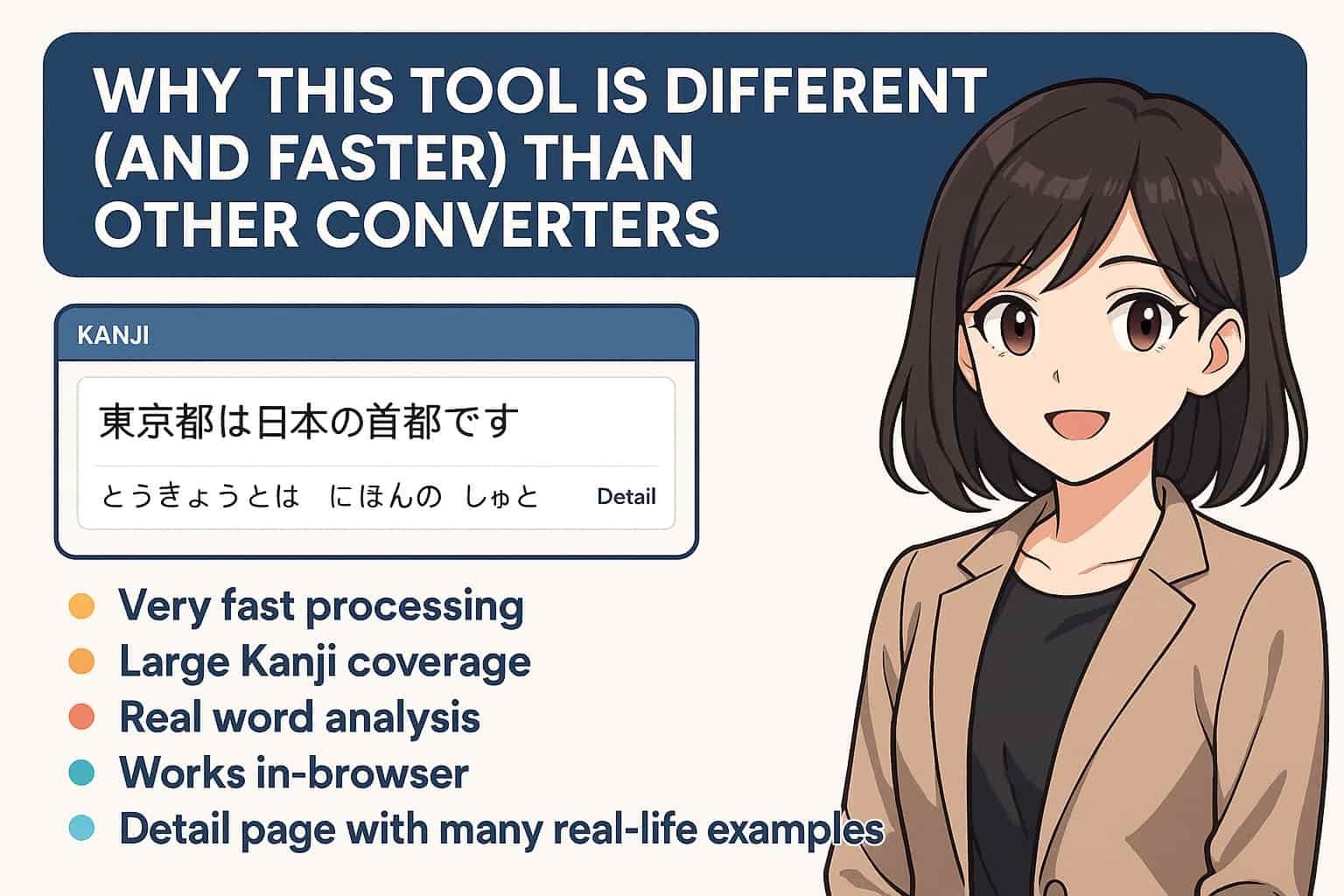
Why This Tool Is Different (and Faster) Than Other Converters
Most Kanji to Hiragana translators or Kanji to Katakana converters feel slow, limited, or are hidden behind ads and login walls. Our approach with the RirekishoBuilder Kanji & Kana Converter is simple: speed, coverage, and detail.
Here’s what makes it stand out:
- Very fast processing: Results start appearing almost instantly, even for long sentences.
- Large Kanji coverage: Supports around 13,000 Kanji, enough for advanced reading.
- Real word analysis: Uses tokenization to split sentences into words, not just character-by-character.
- Works in-browser: No need to send text to a server for basic conversion.
- Clean UI: Designed for study sessions, not just quick one-off lookups.
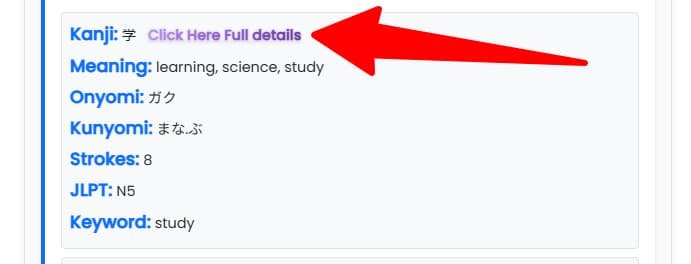
Kanji Detail Popup: Meanings, Readings, JLPT Level & Stroke Order
One of the strongest features that sets this tool apart from other Kanji converters is the popup modal for Kanji details.
In your results, every Kanji card includes a link like: “Click here: Full details”. When you tap it:
- A fast, in-page modal popup appears (no redirect, no new tab).
- You see meanings in English and any available nuances.
- Both Onyomi and Kunyomi readings are listed.
- JLPT level is shown, if available (N5–N1).
- A clean stroke-order illustration helps you practice handwriting.
- A few example words show how that Kanji is used in context.
You can close the modal and continue reading right where you left off. No scrolling back, no page reload. It’s ideal for deep Kanji study sessions.
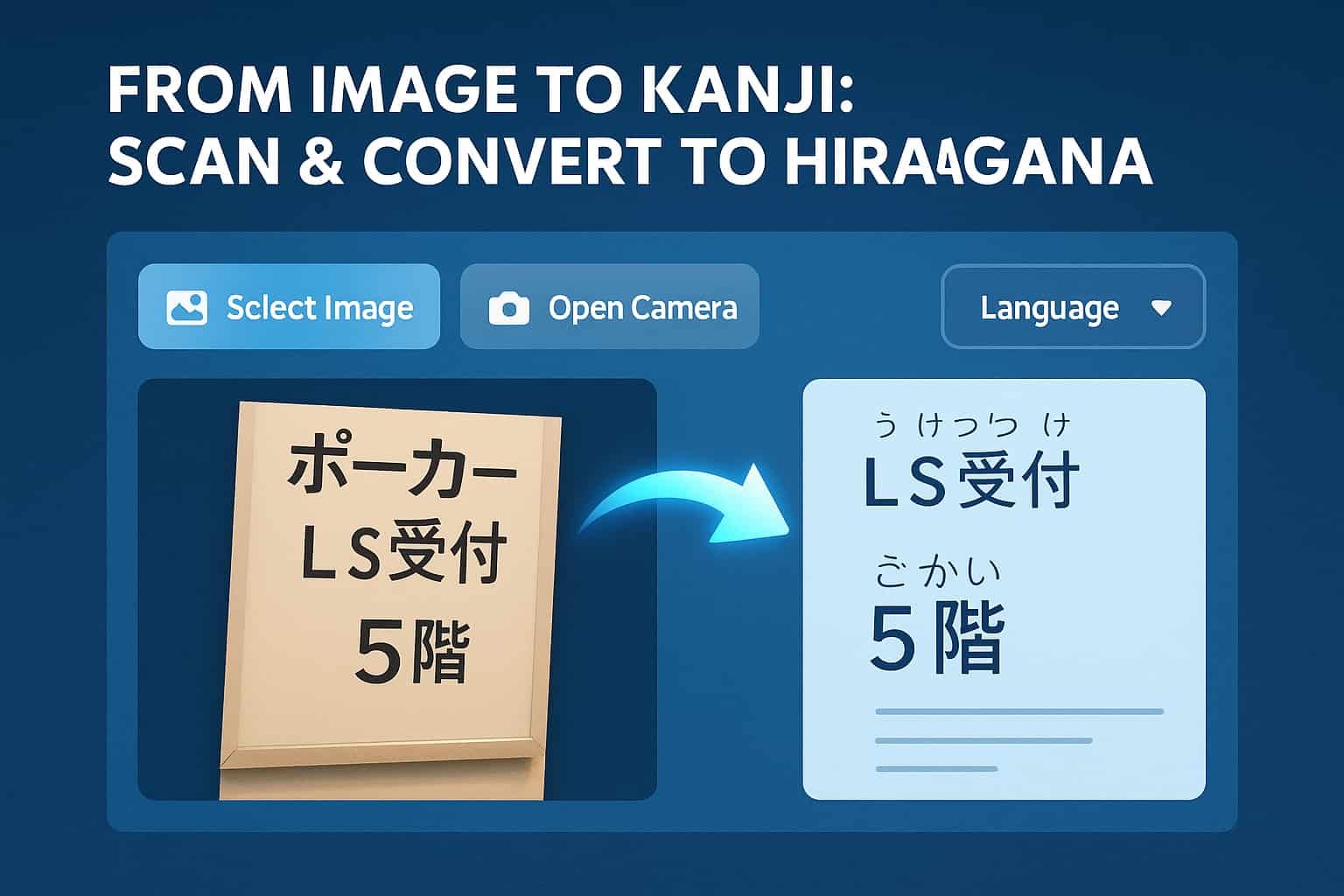
From Image to Kanji: Scan & Convert to Hiragana
Typing Japanese is not always convenient. Sometimes you have a textbook, a worksheet, or a sign you want to understand. That’s where the image/OCR features come in.
At the top of the tool, you will see buttons like:
- Select Image: Upload a photo or screenshot with Japanese text.
- Open Camera: Capture Kanji directly from your webcam or device camera.
- Language options: Switch between horizontal and vertical Japanese layout.
The tool then works like a Kanji to Hiragana scanner: it reads the characters from the image, converts them into editable text, and then allows you to run the full Kanji to Hiragana / Katakana conversion. This is perfect for learners who want to turn printed materials into digital study notes.
All-in-One: Kanji to Hiragana, Kanji to Katakana, and More
Instead of using separate tools for each conversion, this single page handles most of the common lookups learners need:
- Kanji to Hiragana converter for reading practice.
- Kanji to Katakana converter for style consistency and name reading.
- Hiragana to Kanji converter (via analysis) when you want to see likely Kanji forms.
- Romaji to Kana (via companion tools on the same site) when starting from Latin letters.
- Kanji to Kana translator style output: Kanji, Kana, and meanings together.
If you often search for phrases like “kanji to hiragana translate”, “kanji to katakana converter”, “kanji to kana”, or “scan kanji to hiragana”, this single tool will probably replace several bookmarks for you.
Perfect For Students, Translators, and JLPT Study
We built this converter with real learners in mind. Whether you are a beginner reading your first graded reader or a translator dealing with dense business Kanji, the combination of fast conversion, Kanji detail popup, and image scanning is designed to save you time.
Typical use cases include:
- Checking the reading of unknown Kanji in news articles.
- Turning textbook pages into digital notes with full readings.
- Seeing JLPT level and stroke order for focused Kanji practice.
- Quickly turning Kanji into Kana when preparing presentations or subtitles.
The best part: you can jump in and out during study breaks. No login, no project setup — just open the page, paste or scan text, and you’re ready.
Try the Kanji & Kana Converter Now
If you’ve been hopping between multiple websites for Kanji to Hiragana, Kanji to Katakana, and Kanji detail lookups, this tool is designed to simplify your life.
Click the link below to open the tool in a new tab and bookmark it for your next study session:
Open Kanji to Hiragana & Katakana Converter
Conclusion
Our Kanji to Hiragana & Katakana converter tool is built to be a long-term companion for Japanese learners: fast, detailed, and flexible. With support for almost 13,000 Kanji, a rich Kanji detail popup modal, and convenient image scanning, it goes far beyond a basic converter.
Whether you search for kanji to hiragana, kanji to katakana, kanji to kana converter, or scan kanji to hiragana, this single tool — and this blog — should help you get there faster. Bookmark it, share it with friends, and use it as part of your daily Japanese study routine.